


Reels of the best bits
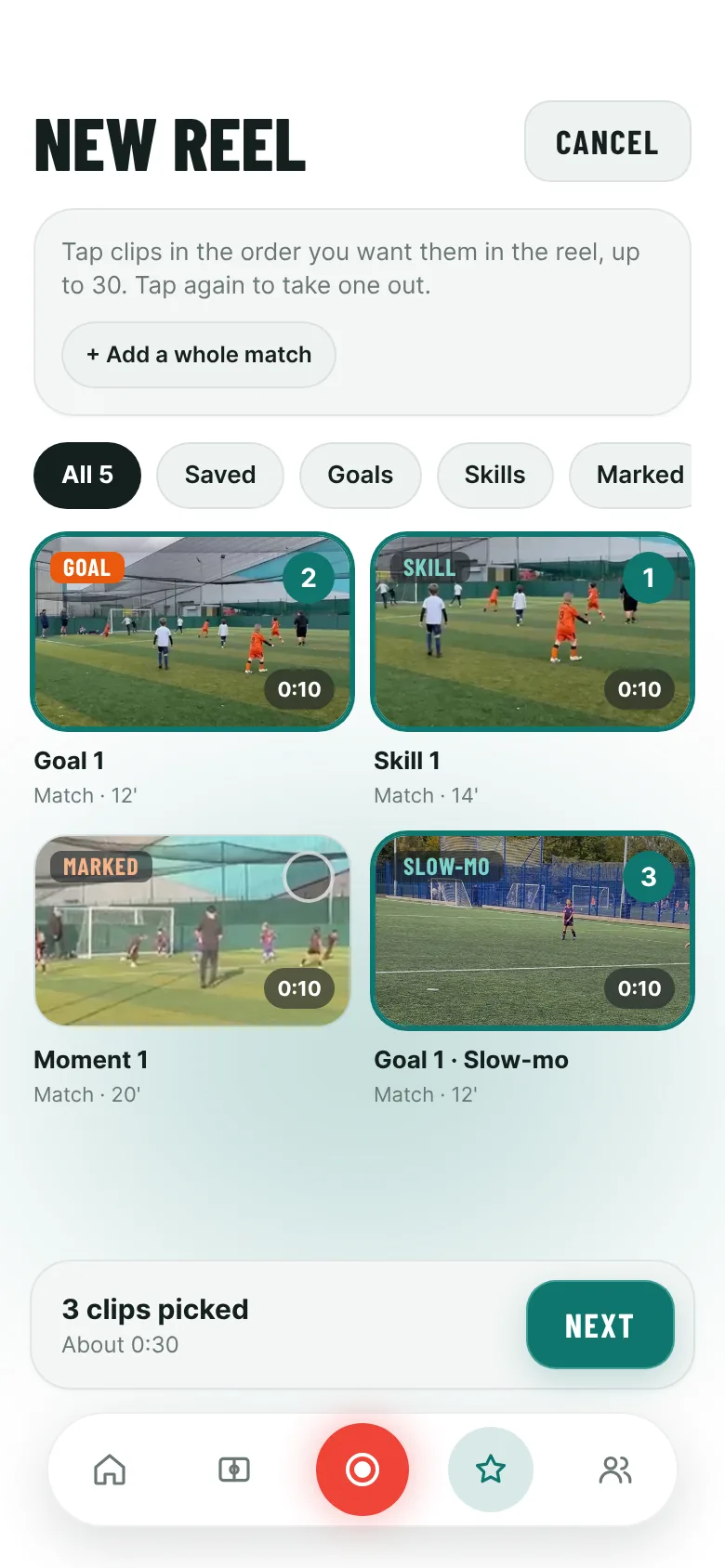
Pick clips in any order, from any match, and Pitchside joins them into one reel with music, their name and number.
Film the match on your phone and tap Goal, Skill or Capture when something brilliant happens. Or Basket, Try, Tackle: the buttons match your sport. Pitchside turns every tap into a 10-second clip, zoomed in on the action and ready for Instagram, TikTok or WhatsApp. And go live so family who can't make it can watch from anywhere.
Free to startiPhone & AndroidNo app store needed
TVWatch your club live on Pitchside TV →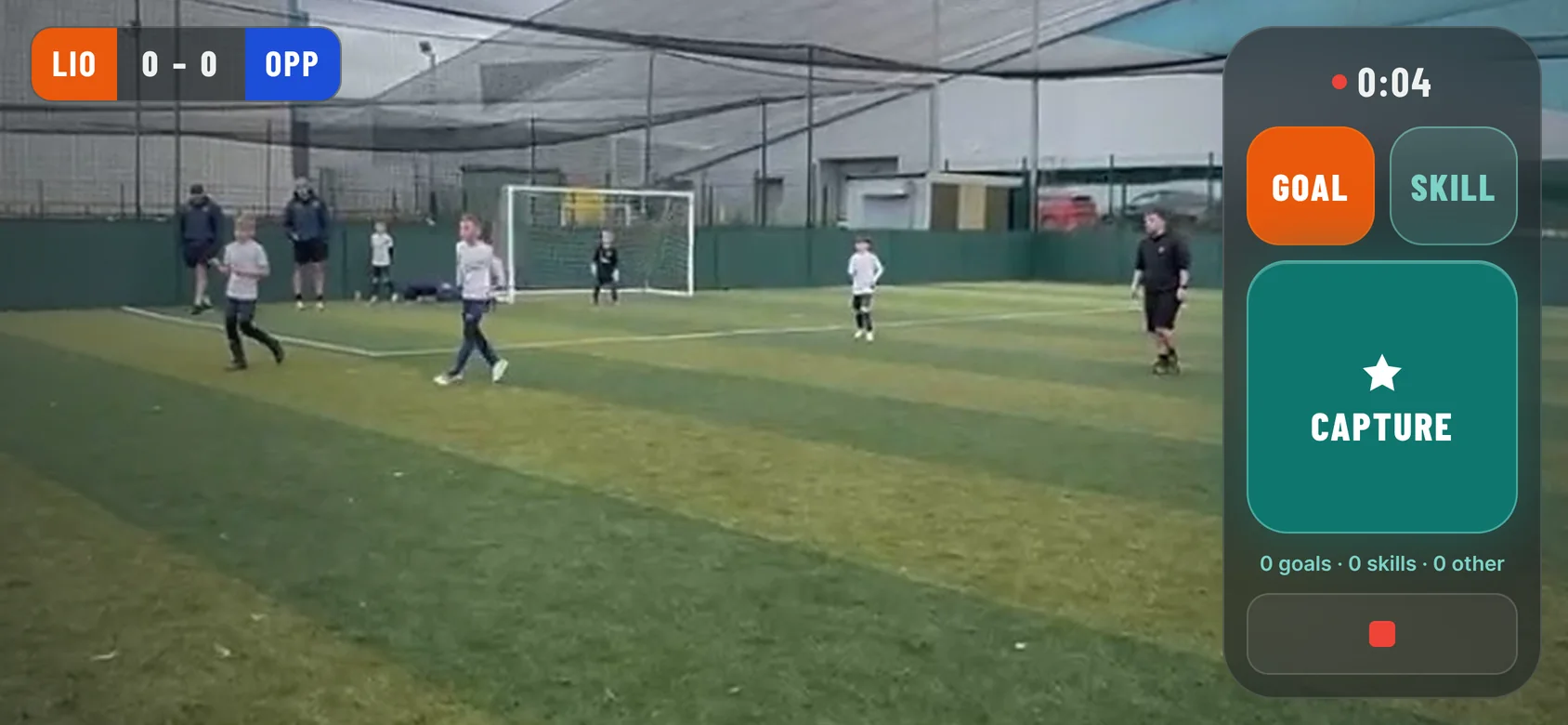
Hold your phone sideways or prop it up. Pitchside records full screen in up to 4K, or upload a video you already have.
Tap Goal, Skill or Capture as it happens, while you film or while you watch it back. Each tap keeps the 7 seconds before and 3 after.
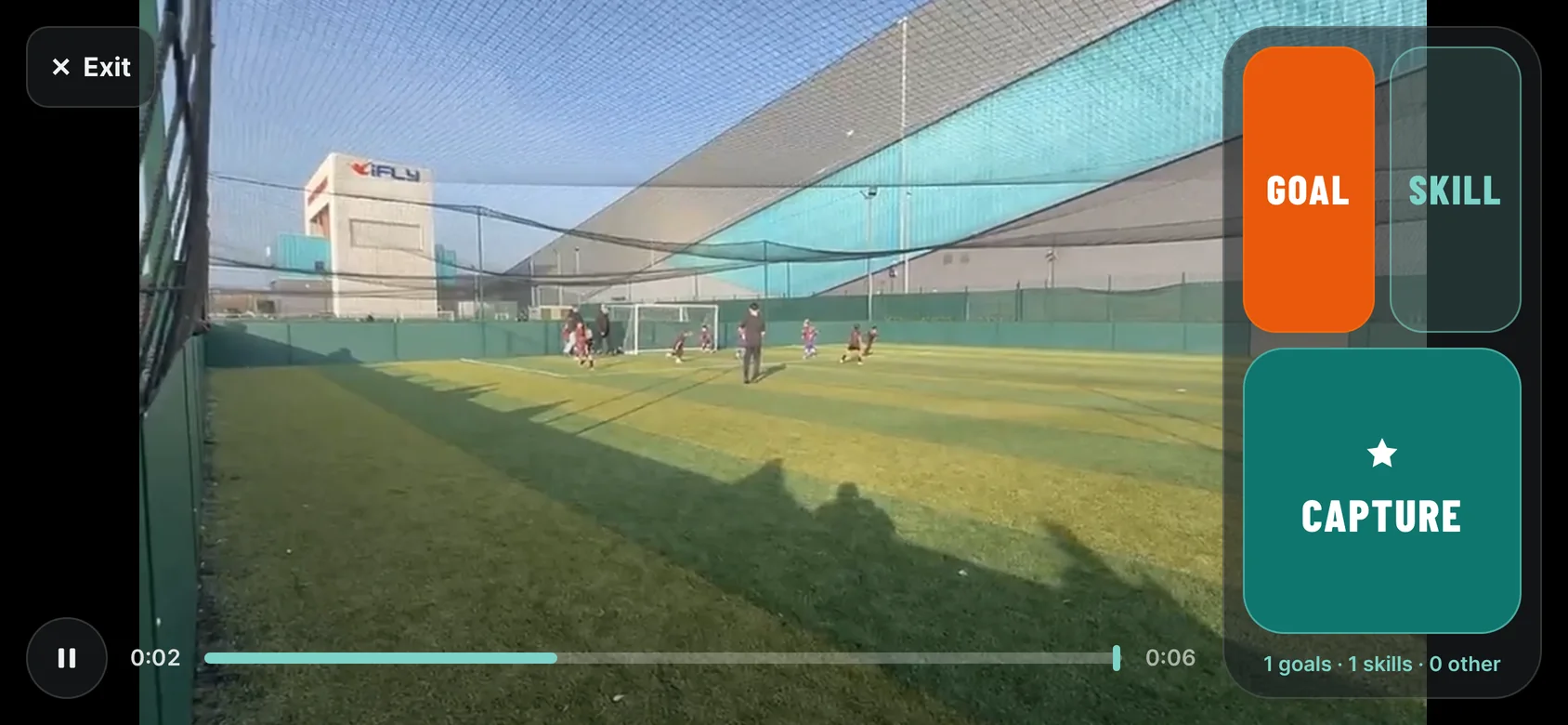
Pitchside finds the action and zooms in, cutting from the full-quality video, so even the far end of the pitch looks close. Your clips are ready in minutes.
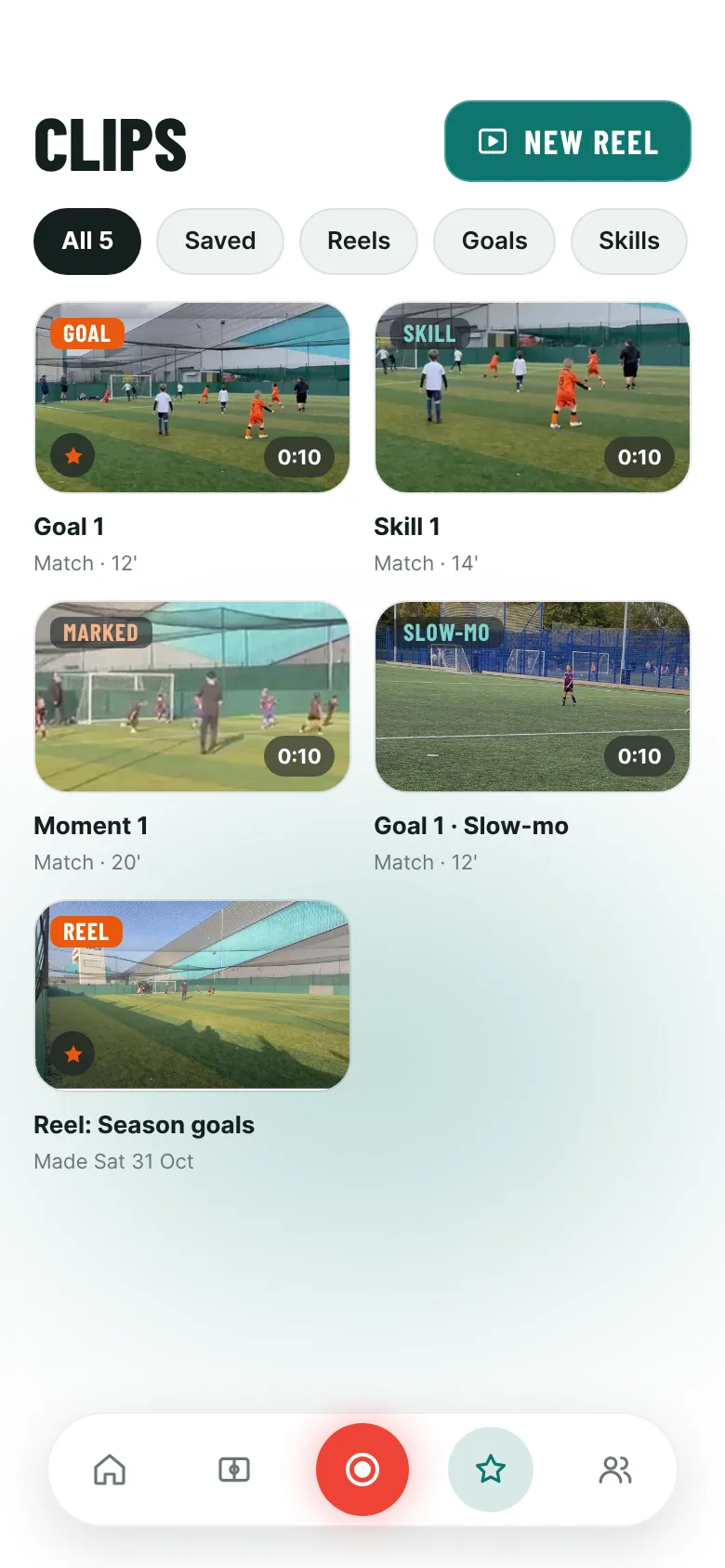
Pick your sport when you set up your team and the buttons change to match: Basket in basketball, Try and Tackle in rugby, Save in hockey. The scoreboard counts the right points, and your clips are named the right way.
Tennis, gymnastics, athletics, dance? One big Capture button, and you can name every moment yourself: an ace, a vault, a new PB.
Football:GoalSkillCapture· 1 point a goal
Tap Go live before kick-off and stream the match to the rest of the family, from the same phone that's recording it. Grandparents, the other parent, a player who's injured: they all get a notification and watch from wherever they are.
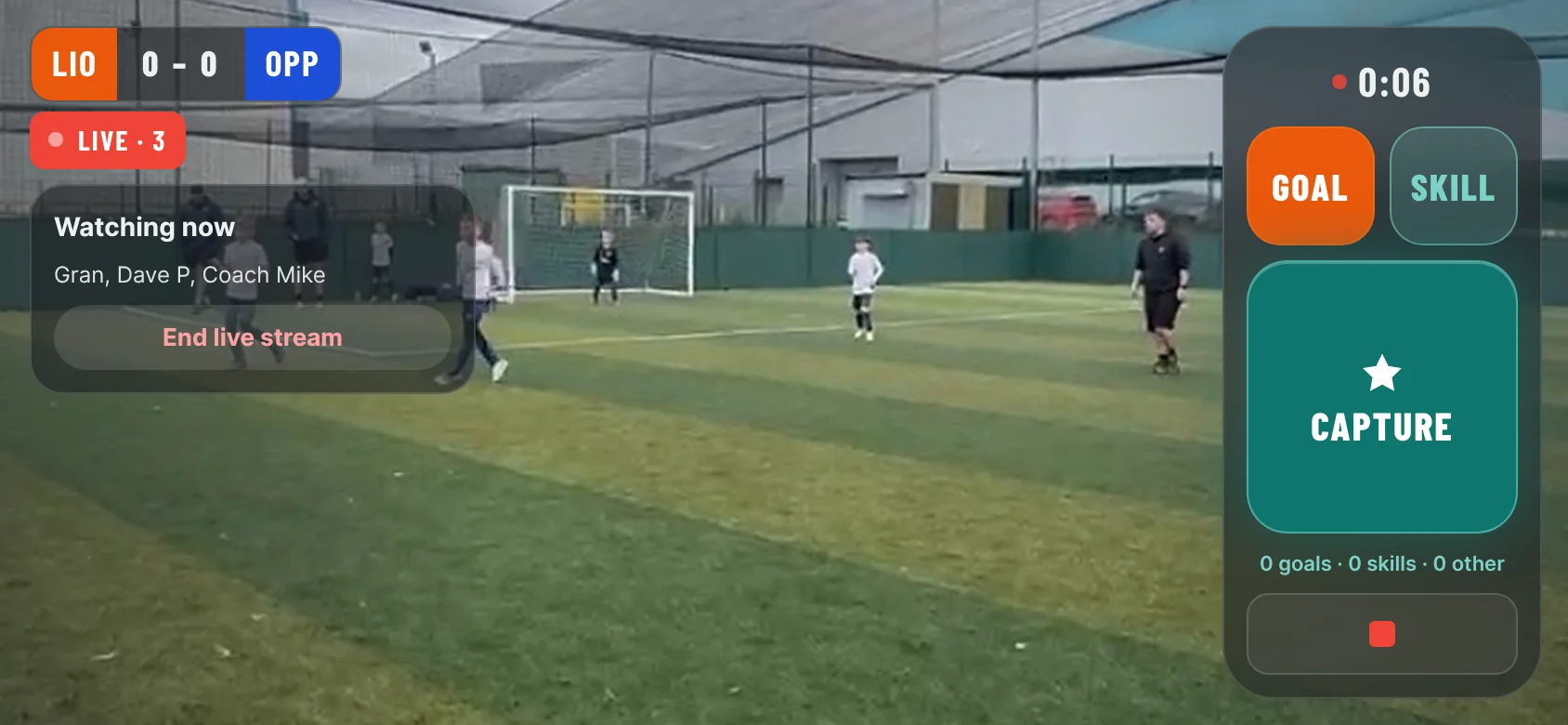
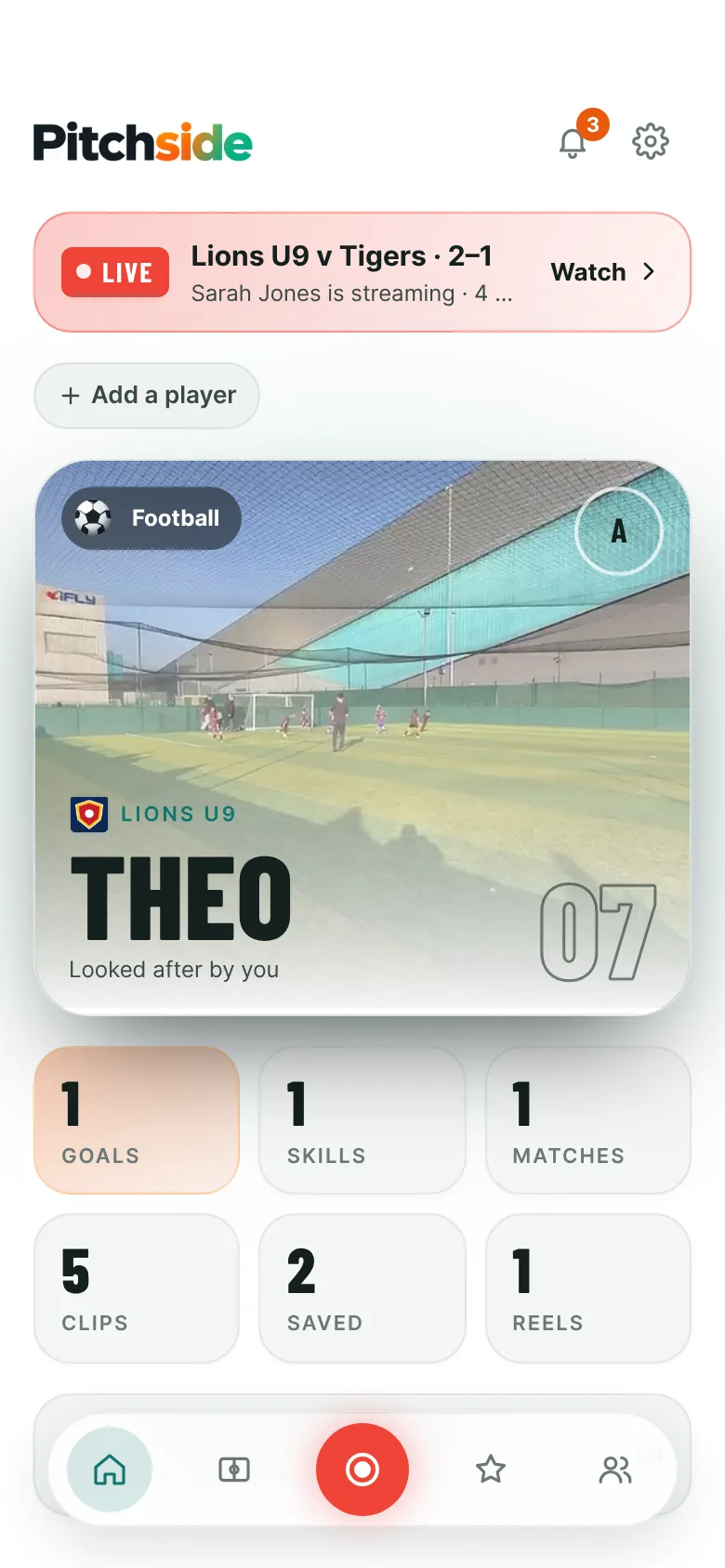
Every club gets its own channel. Open it and watch any of the club's teams that are playing live right now, from the under-8s to the first team.
Pick clips in any order, from any match, and Pitchside joins them into one reel with music, their name and number.
Make a Cinematic Reel: a stadium intro, zoom-ins and slow-mo on every moment, and a stats card, in 9:16 and ready to post.
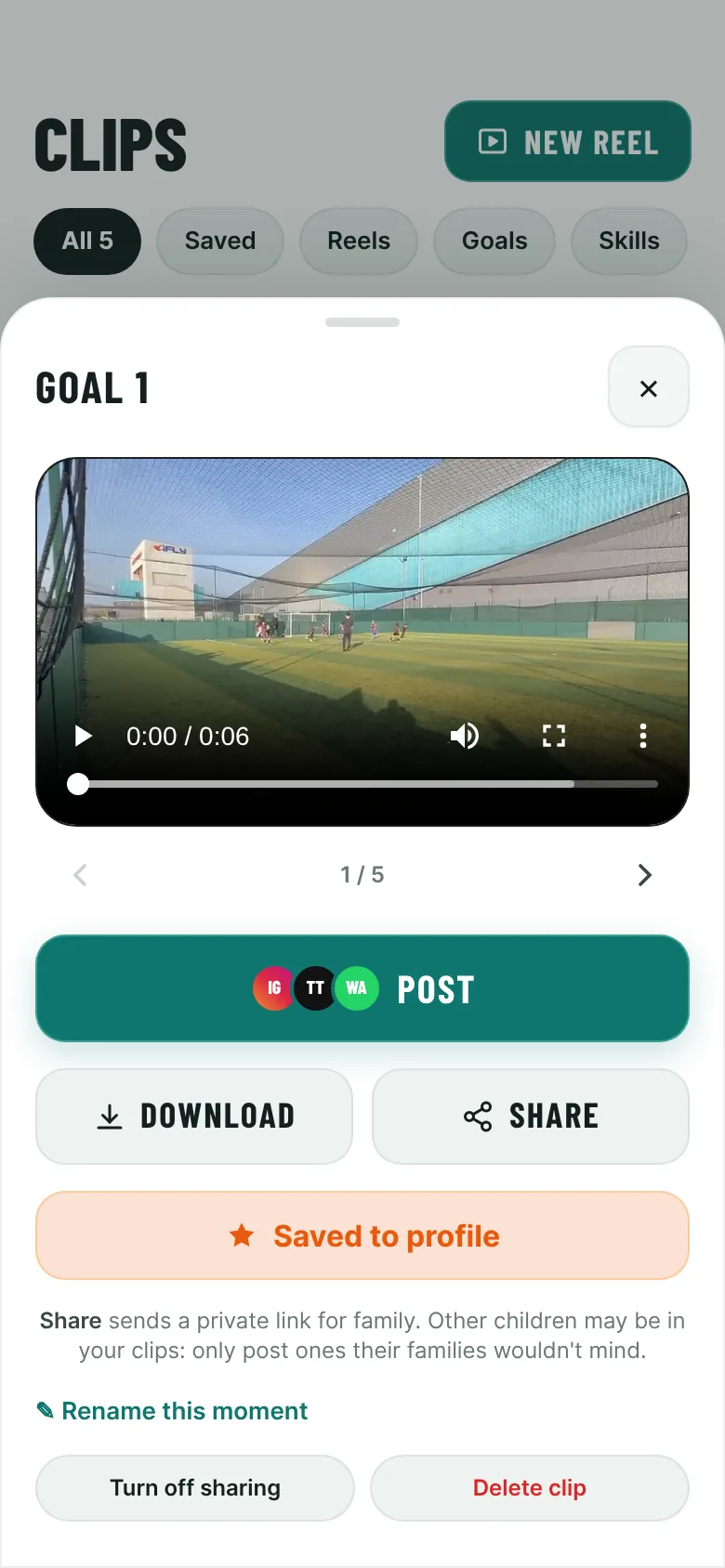
Tap Post and the clip goes straight to Instagram, TikTok, WhatsApp or Facebook, where you add your caption. Or send family a private link.
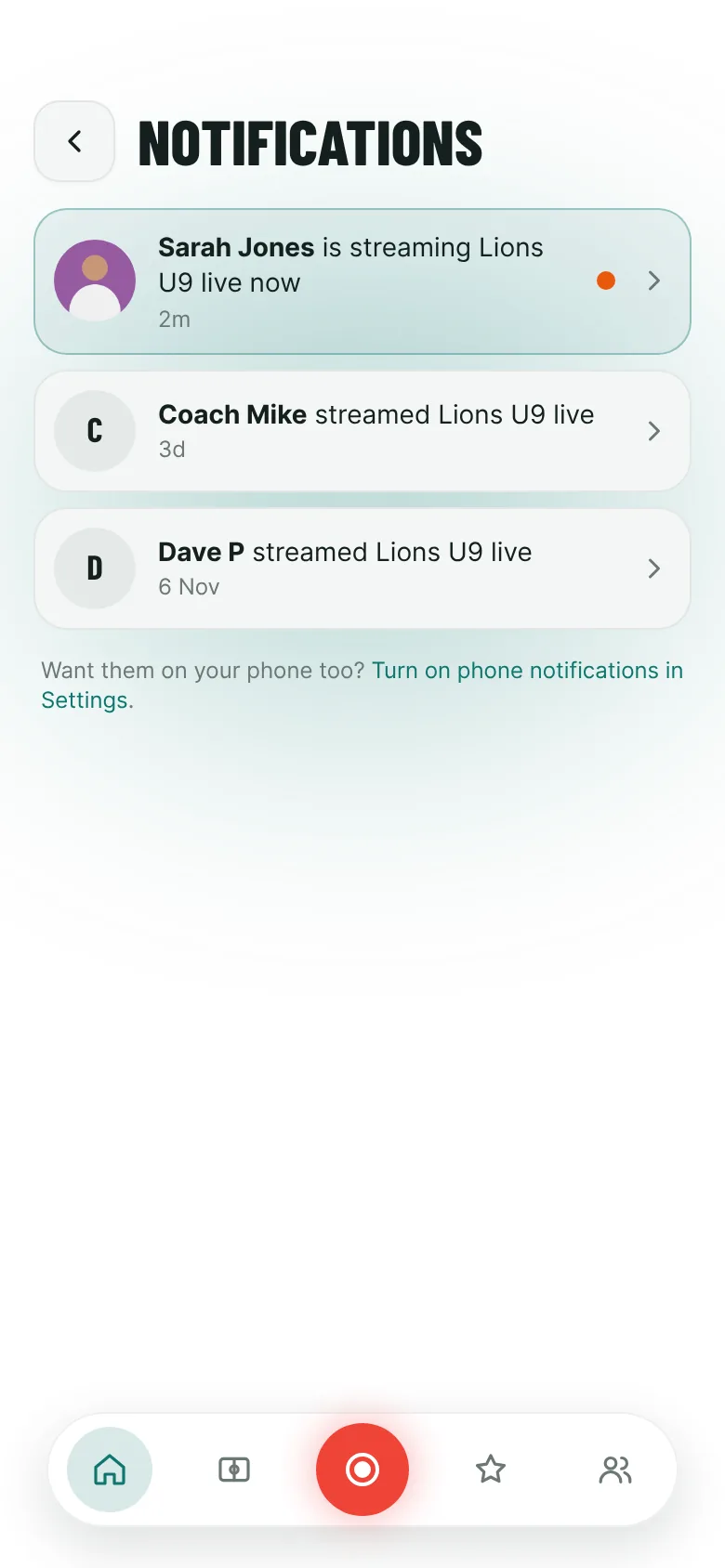
The whole team gets a phone notification the moment someone goes live, and one tap opens the stream with the live score.
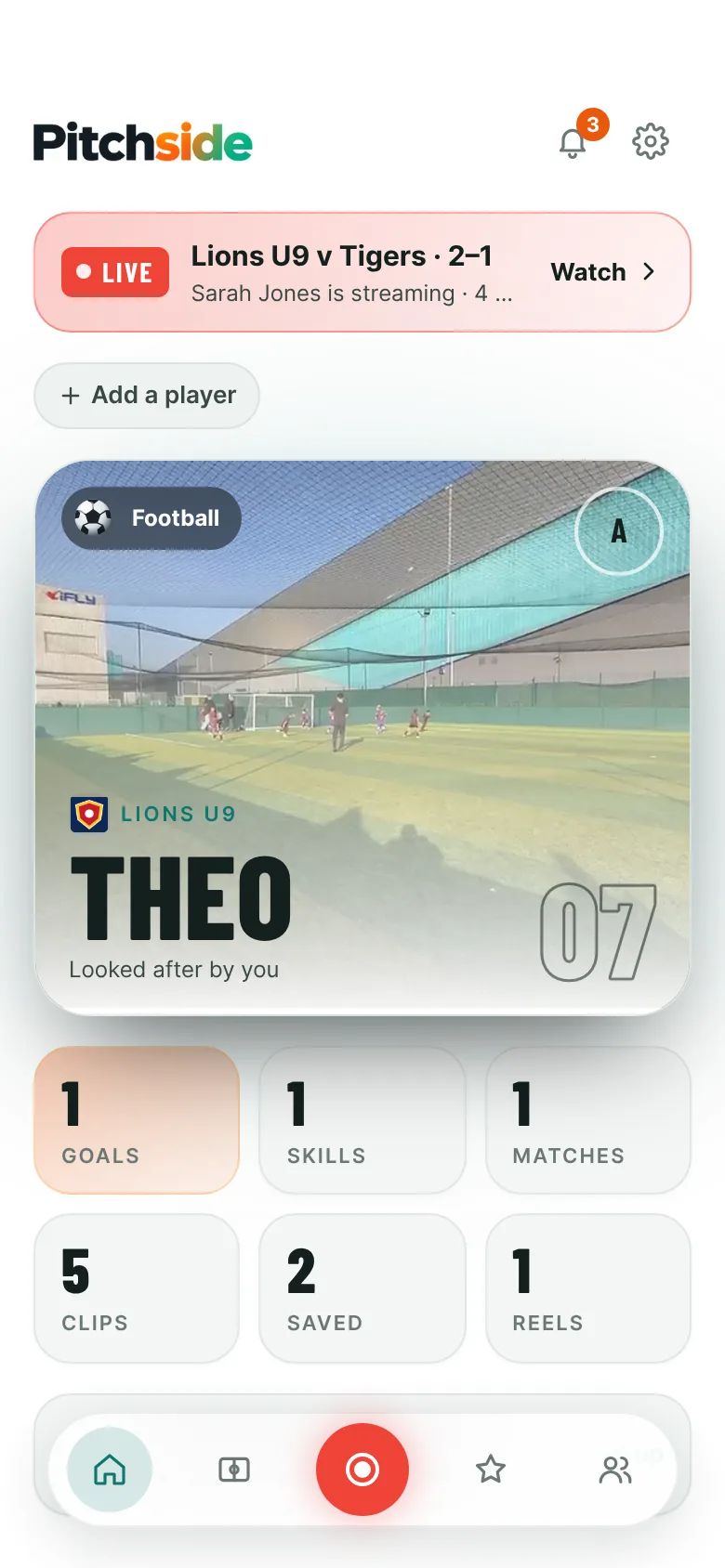
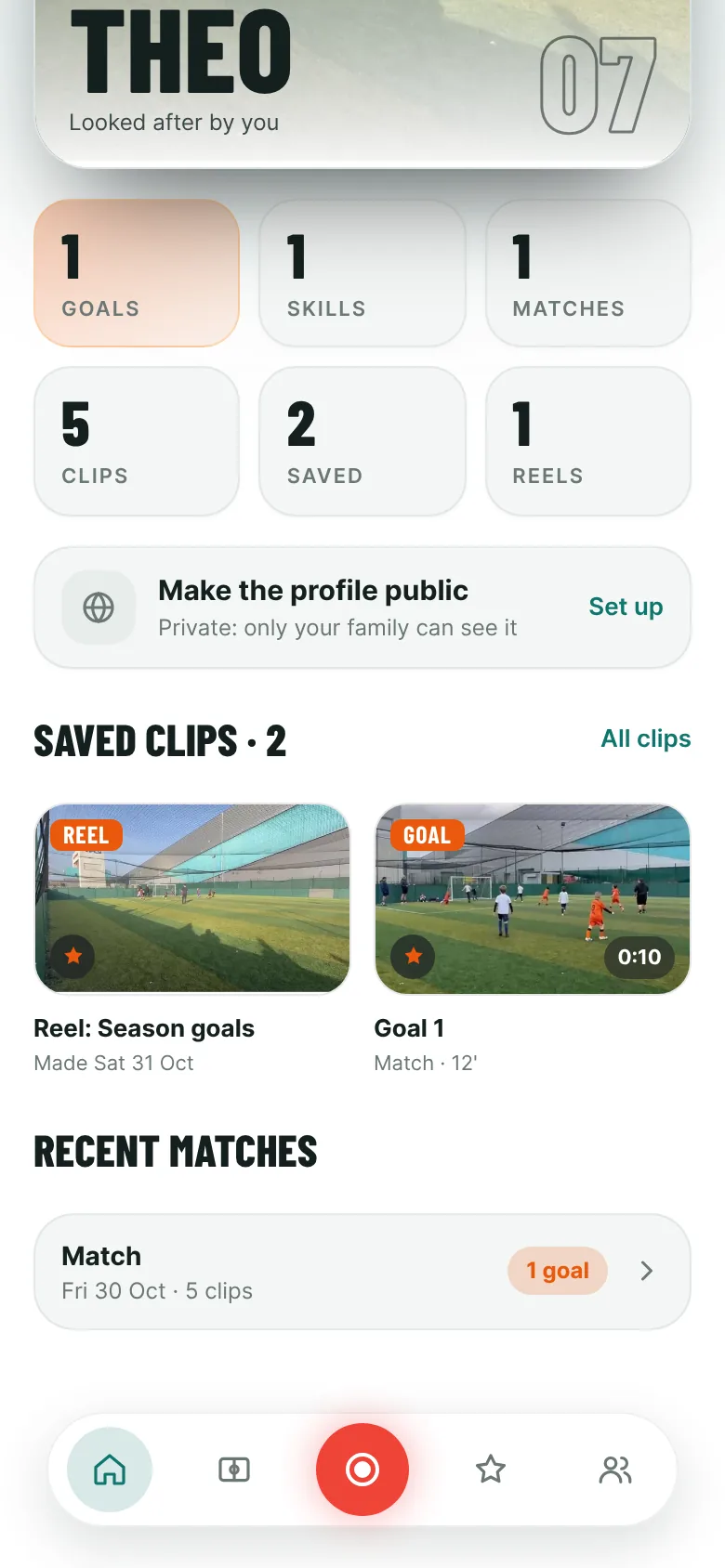
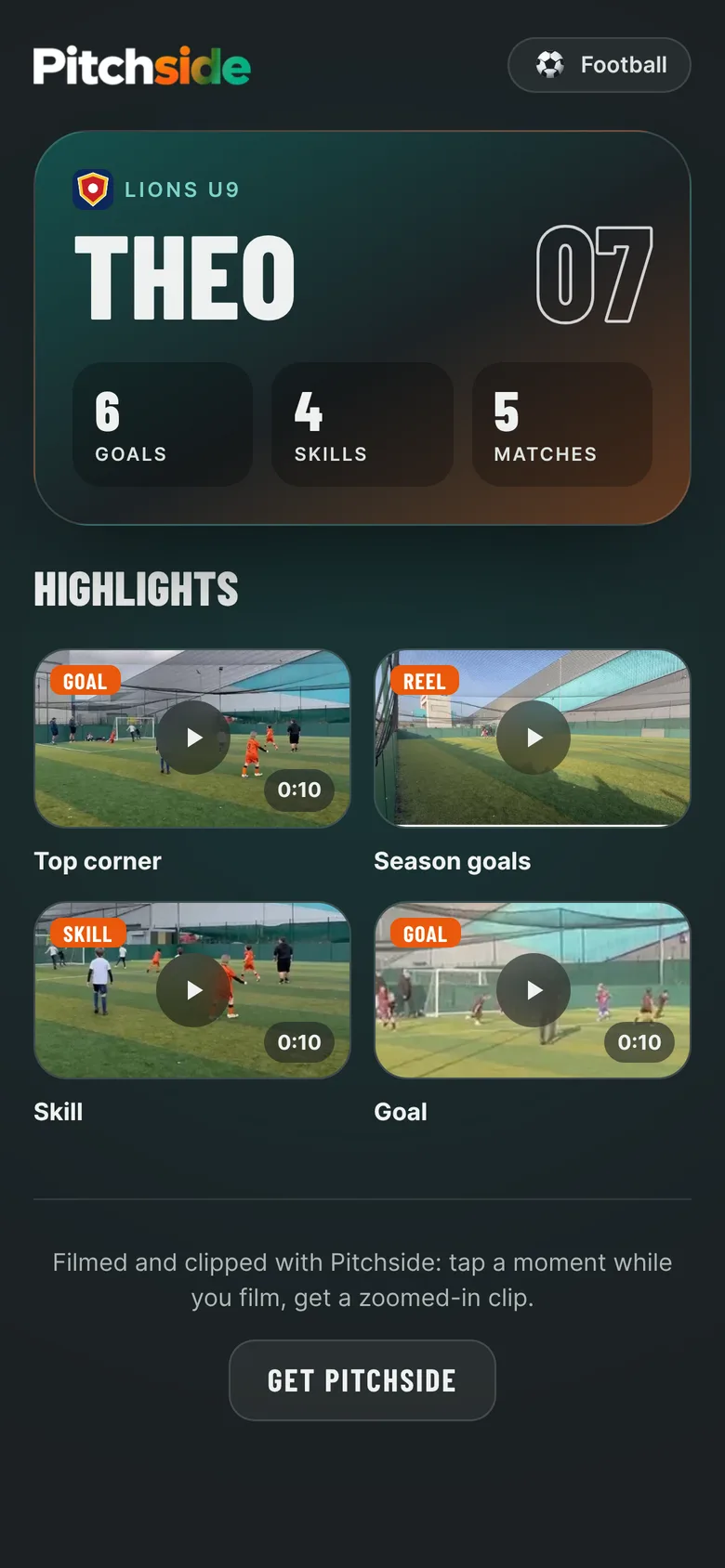
Save the best clips to the player's profile, with their stats. Share it with one link if you want to: family see the highlights, nothing else.
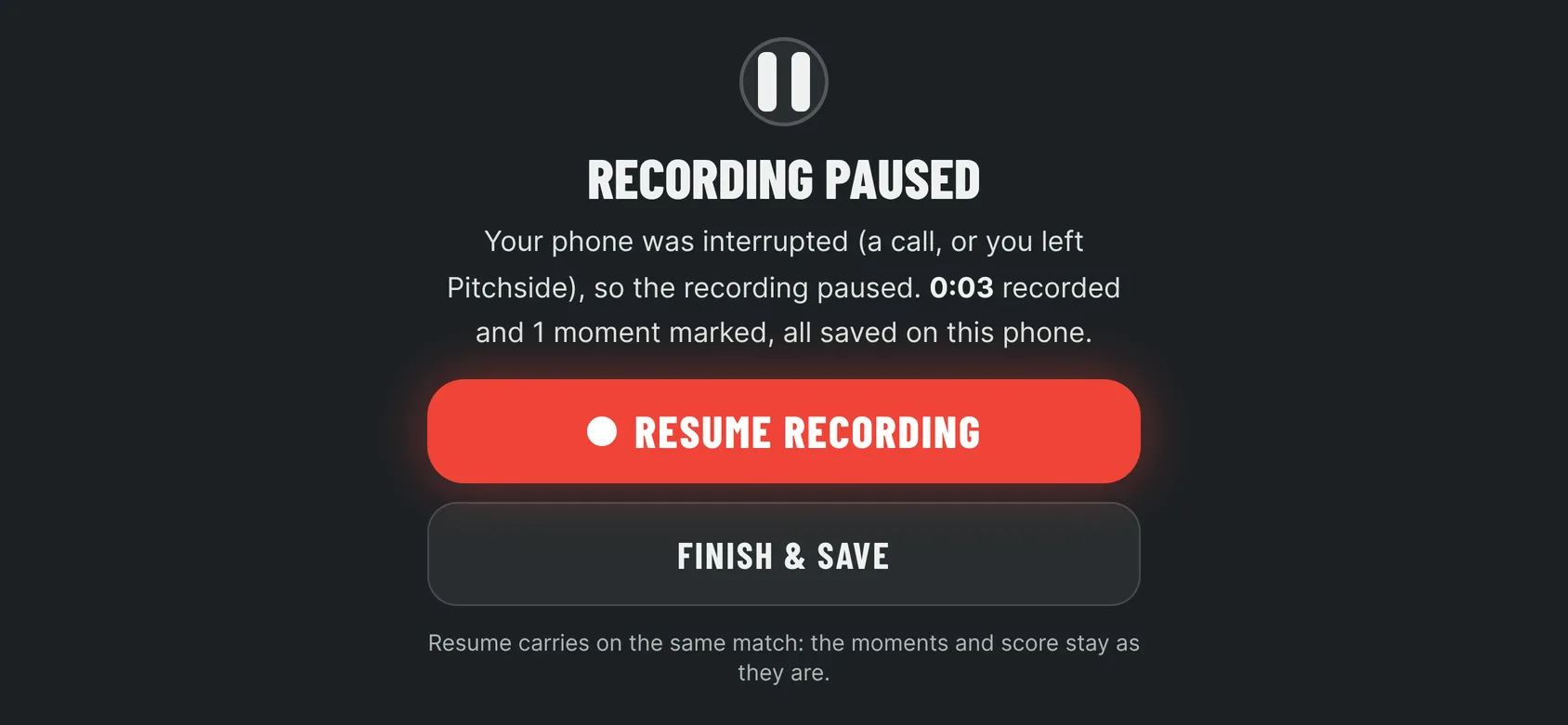
A phone call won't end the recording or the live stream. It pauses, viewers see “Paused”, and it all carries on when you tap Resume.
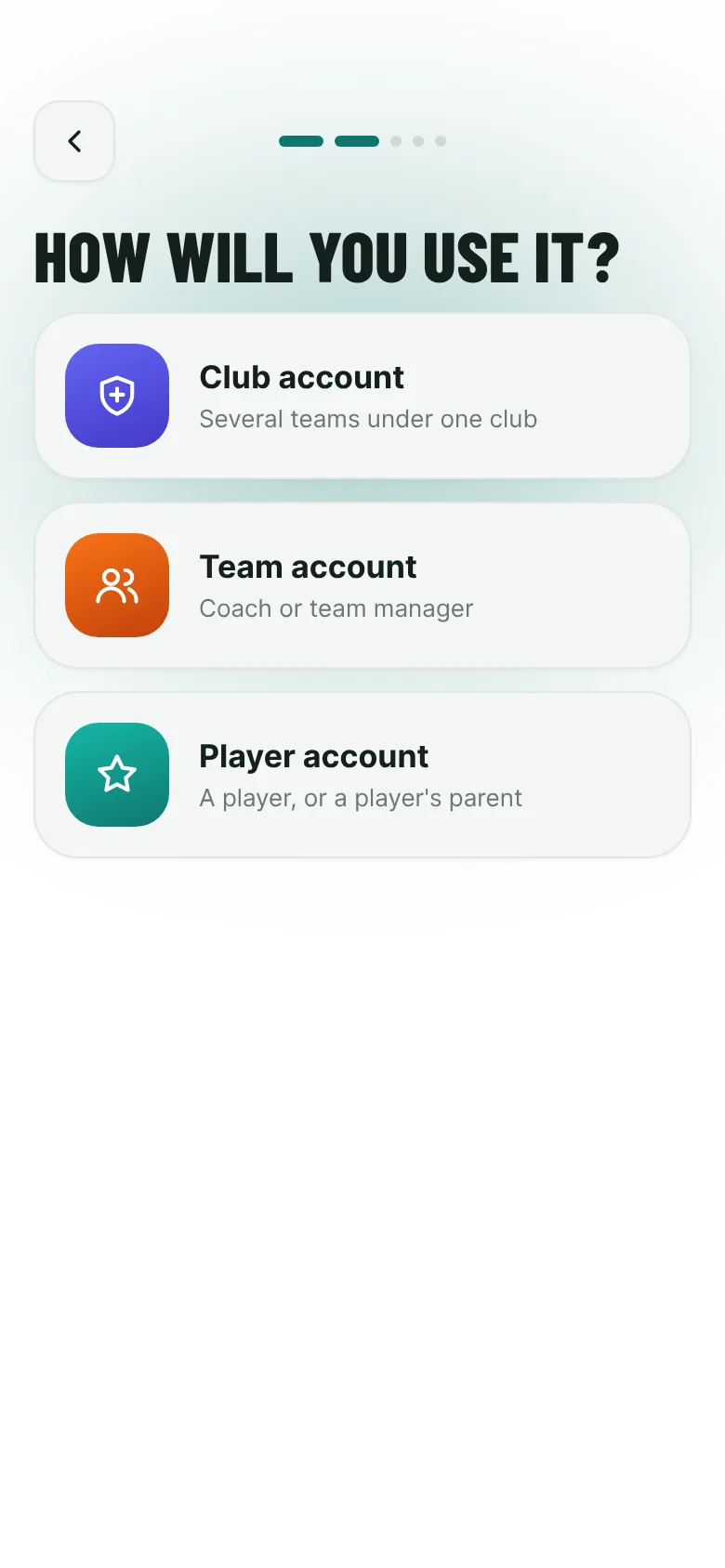
Clubs bring all their teams together under one club. Coaches create a team and share one short code. Parents join and only ever get clips of their own child, even if they play for more than one team. Not in a team? Pick “Just me or my family” and start filming.
Pitchside films children playing football, so privacy isn't an add-on. It's built into how everything works.
Your child's clips are only visible to you, unless you choose to share them.
Parents agree when they join a team and can switch it off at any time. Clips stop straight away.
We never use generative AI on footage of children. Zoom and slow-mo only use what's really there.
Whole-match videos are deleted after 7 days. The clips you keep stay with you.
Children's names, teams and matches are never shown on clips you share.
Youth live streams are only for the team, the family you send a link to and (if the team joins Pitchside TV) the club's own families. Never public, and there's no chat. Any parent can keep their child's team off TV.

No app store. Add it to your Home Screen in 10 seconds and it opens full screen, just like an app.
Yes, it's free to get started. Paid plans with extra features will come later.
No. Pitchside is a web app: add it to your Home Screen from your browser and it opens full screen, just like any other app.
Yes, on any recent iPhone or Android phone. Phone notifications on iPhone need iOS 16.4 or later.
Clips stay private to your family. Nothing is ever posted for you: you choose what to share, so only post a clip on social media if the other families wouldn't mind.
Full match videos are deleted 7 days after upload. Your clips, reels and edits stay until you delete them.
Any sport. Football, basketball, rugby, hockey and netball get their own buttons and scoreboard (a basket is 2 points, a try 5). For anything else, like tennis, gymnastics or athletics, there's one big Capture button, and you can name every moment yourself.
Pitchside pauses the recording (and the live stream) instead of losing it. Tap Resume and it carries on as the same match, with your moments and score kept.
Only if you choose. Save the best clips to their profile and turn on the public profile to get a link: whoever has it sees their first name, stats and those clips, nothing else. Turn it off any time.
Yes, anyone can go live while they record. When you tap Goal (or Try, Basket…), everyone watching gets a pop-up saying who scored. Only your team and the family you send a link to can watch, and there's no chat. Clubs can also show matches on their Pitchside TV channel: youth matches only to the club's families, never the public.
Clubs' own live channels. Sign up free, open your club's channel and watch any of its teams' matches that are live. Youth matches are only shown to families in the club; adult teams can choose to stream to everyone. Clubs on the Club or Club Plus plan can switch their channel on.
Open the clip and tap Post, then pick the app. Add your caption, music and any edits right there, the way you always do. For a TV-style 9:16 highlight, make a Cinematic Reel.
Yes. Coaches create a team, share the team code with parents and see their squad list. Clubs create a club account and bring all their teams under it with a club code. Parents only ever get clips of their own child.